
GTA San Andreas on iOS: Complete iPhone & iPad Guide (2026)
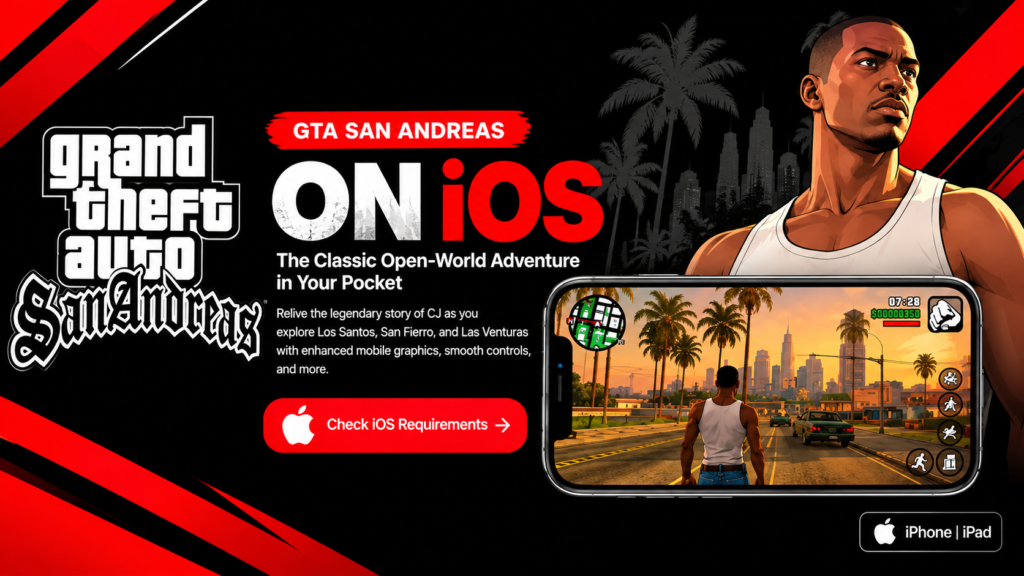
Some games simply refuse to feel forgotten. Grand Theft Auto: San Andreas first arrived in 2004, yet CJ,Grove Street, Los Santos and the wider state of San Andreas are still familiar to players more than twodecades later. On iPhone and iPad, the classic mobile release gives players a convenient way to revisit thestory without needing a console or gaming PC.
The iOS version keeps the heart of the original game while adapting the experience for mobile devices. You can follow the full story, explore three major cities, drive across the countryside, customize CJ, complete side activities, and use either touchscreen controls or a compatible physical controller. This guide explains what the iOS version offers, what you should check before installing it, and whether it is still worth playing in 2026.
What Is GTA San Andreas?
You play as Carl “CJ” Johnson, who returns to Los Santos after years away and finds his family and old neighborhood in serious trouble. What begins as a personal return home grows into a much larger crime story involving family, gangs, corrupt police officers, betrayal and CJ’s journey across the state of San Andreas.
The world is built around three major cities: Los Santos, San Fierro and Las Venturas, with countryside, desert, forests and smaller towns connecting them. The freedom to leave the main story for driving, exploration, side missions, character customization and other activities is a major reason the game remains memorable.
GTA San Andreas Original Mobile Version
The classic mobile release is the familiar GTA San Andreas experience adapted for phones and tablets. It includes mobile-focused visual improvements, customizable controls and support for compatible physical controllers. For players who want the classic game on an iPhone or iPad, this is the version most closely associated with the long-running mobile release.
GTA: San Andreas – Definitive Edition
A separate Definitive Edition also exists in the modern GTA ecosystem. It should not be confused with the original mobile release: its presentation, assets and device demands are different. Always check the current App Store listing for the exact edition you intend to install, because availability and compatibility can change over time.
GTA San Andreas iOS Features
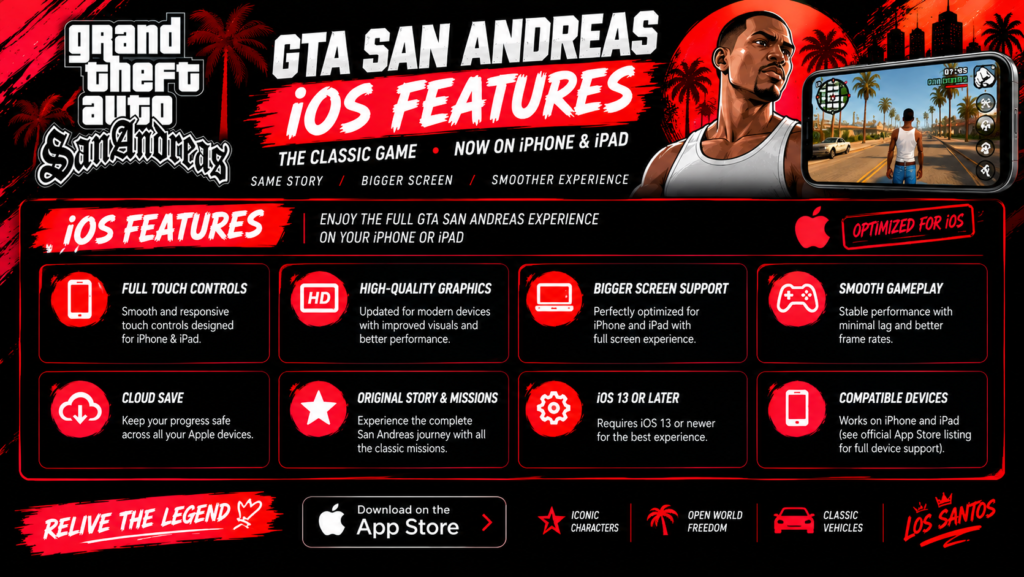
Full open-world story: Explore Los Santos, San Fierro, Las Venturas and the surrounding countryside while completing the main story and optional activities.
Mobile-focused visuals: The classic mobile listing describes remastered high-resolution graphics, lighting enhancements and improved character models.
Customizable touch controls: Multiple control schemes let you adjust the mobile experience to suit your preferred layout.
Controller support: Compatible physical controllers can provide a more console-like experience, especially for driving and longer sessions.
Dual analog-style controls: Mobile controls are designed to separate movement and camera control.
Cloud-save functionality: The classic listing includes cloud-save support for Rockstar Social Club members on supported devices.
GTA San Andreas iOS Requirements
|
Requirements |
Current guidance |
|---|---|
|
Device |
Compatible iPhone or iPad |
|
iPhone software |
iOS 13.0 or later (classic App Store listing) |
|
iPad software |
iPad 13.0 or later (classic App Store listing) |
|
Listed app size |
Approximately 2.7 GB for the classic release |
|
Free space |
Keep additional space available for installation, updates and normal device operation |
|
Controls |
Touchscreen controls; compatible physical controller support |
|
Internet |
Required to obtain/download the game; some account or service features may require connectivity |
Do not rely on old device lists or unofficial RAM figures when deciding whether your iPhone or iPad is compatible. The safest approach is to open the current App Store listing on the device you plan to use.
Store requirements and device availability can change with game and operating-system updates.
Which iPhones and iPads Can Run GTA San Andreas?
For the classic release, the current App Store listing provides an operating-system requirement rather than a simple promise that every device on that software version will deliver identical performance. Hardware generation, available storage, battery condition, device temperature and software state can all affect the experience.
Instead of assuming that a particular iPhone model will run the game perfectly, check the App Store directly from that device. If the game is offered as compatible, make sure you also have enough free storage before starting the download.
How to Download GTA San Andreas on iPhone or iPad
1. Open the App Store: Use the official App Store on your iPhone or iPad.
2. Search for Grand Theft Auto: San Andreas. Confirm that you are viewing the legitimate Rockstar Games listing and the edition you actually want.
3. Check compatibility: Review the current iOS/iPadOS requirement and make sure the game is available for your device.
4. Check free storage: Leave more space available than the listed app size so installation and normal device operation are not squeezed.
5. Purchase or download the game: Confirm through your Apple account using the authentication method available on your device.
6. Let installation finish: Avoid interrupting the download if possible.
7. Launch the game and configure controls: Adjust touch controls or connect a compatible controller before starting longer sessions.
Touchscreen and Controller Setup
Touch controls make the game playable without extra hardware, which is useful when you want to play anywhere. The on-screen layout may take some practice during shooting, driving and missions that require several actions in quick succession. Spend a few minutes adjusting the control scheme before deciding that touch controls are uncomfortable.
If you prefer a more traditional feel, a compatible controller can make camera movement, driving and longer sessions more comfortable. Controller compatibility can vary, so confirm that your controller works correctly with your iPhone or iPad and with the version of the game you are using.
Gameplay Tips for New Players
Learn from the early missions: They introduce important characters, movement, driving and basic combat.
Pay attention to CJ’s stats: Exercise, food and activities can affect his appearance and abilities.
Practice driving and shooting: Mobile controls feel different from console controls, so give yourself time to adapt.
Save regularly: Saving before difficult missions can prevent unnecessary repetition.
Explore beyond the story: Side activities and free roaming are a large part of the San Andreas experience.
Performance and Storage Tips
The classic game is much older than modern iPhones and iPads, but that does not mean every device will behave identically. If you notice stuttering, heat or unexpected app behavior, start with basic troubleshooting rather than assuming the game is broken.
– Keep enough free storage available.
– Close unnecessary background apps before a long gaming session.
– Keep the game and iOS/iPadOS updated when compatible updates are available.
– If the device becomes unusually hot, allow it to cool before continuing a demanding session. – Restart the game or device if you encounter a temporary loading or control problem.
GTA San Andreas on iOS: Pros and Cons
|
Pros |
Cons |
|---|---|
|
Large, memorable open world and story |
Touch controls may require practice |
|
Works as a portable iPhone/iPad experience |
Requires several GB of storage |
|
Customizable mobile controls |
Some mechanics naturally feel older than modern games |
|
Compatible controller support |
Performance and compatibility can vary by device |
|
Strong replay value and many side activities |
Different editions can confuse new buyers |
Is GTA San Andreas Worth Playing on iOS in 2026?
For players who enjoy classic open-world games, GTA San Andreas still has a lot to offer. Its strongest qualities are not modern graphics or cutting-edge mechanics; they are the freedom of the world, the variety of activities, the memorable characters and the sense that you can leave the main story and simply explore.
Returning players get a convenient nostalgia trip, while first-time players can experience one of Rockstar’s most influential open-world games in a portable format. The main compromise is control: some people adapt quickly to touch controls, while others will strongly prefer a physical controller.
Frequently Asked Questions
Can I play GTA San Andreas on iPad?
What iOS version does GTA San Andreas require?
How much storage does GTA San Andreas need on iOS?
Can I use a controller?
Does GTA San Andreas have touch controls on iPhone?
Does GTA San Andreas need an internet connection?
Where should I download GTA San Andreas for iOS?
Final Thoughts
GTA San Andreas on iOS remains an appealing way to carry the classic San Andreas experience on an iPhone or iPad. The story, open world and freedom are still the main attraction, while mobile controls and controller support make the game practical away from a console.
Before installing, check the current App Store compatibility information, make sure you have enough free storage, and confirm which edition you are getting. If touch controls do not feel natural, customize the layout or try a compatible controller. With the right setup, returning to Los Santos can still be an enjoyable mobile experience in 2026.